
Open the Gmail Account Menu
Open Gmail and tap your profile picture at the top-right.
Profile Picture→Add Another Account→Other (IMAP)
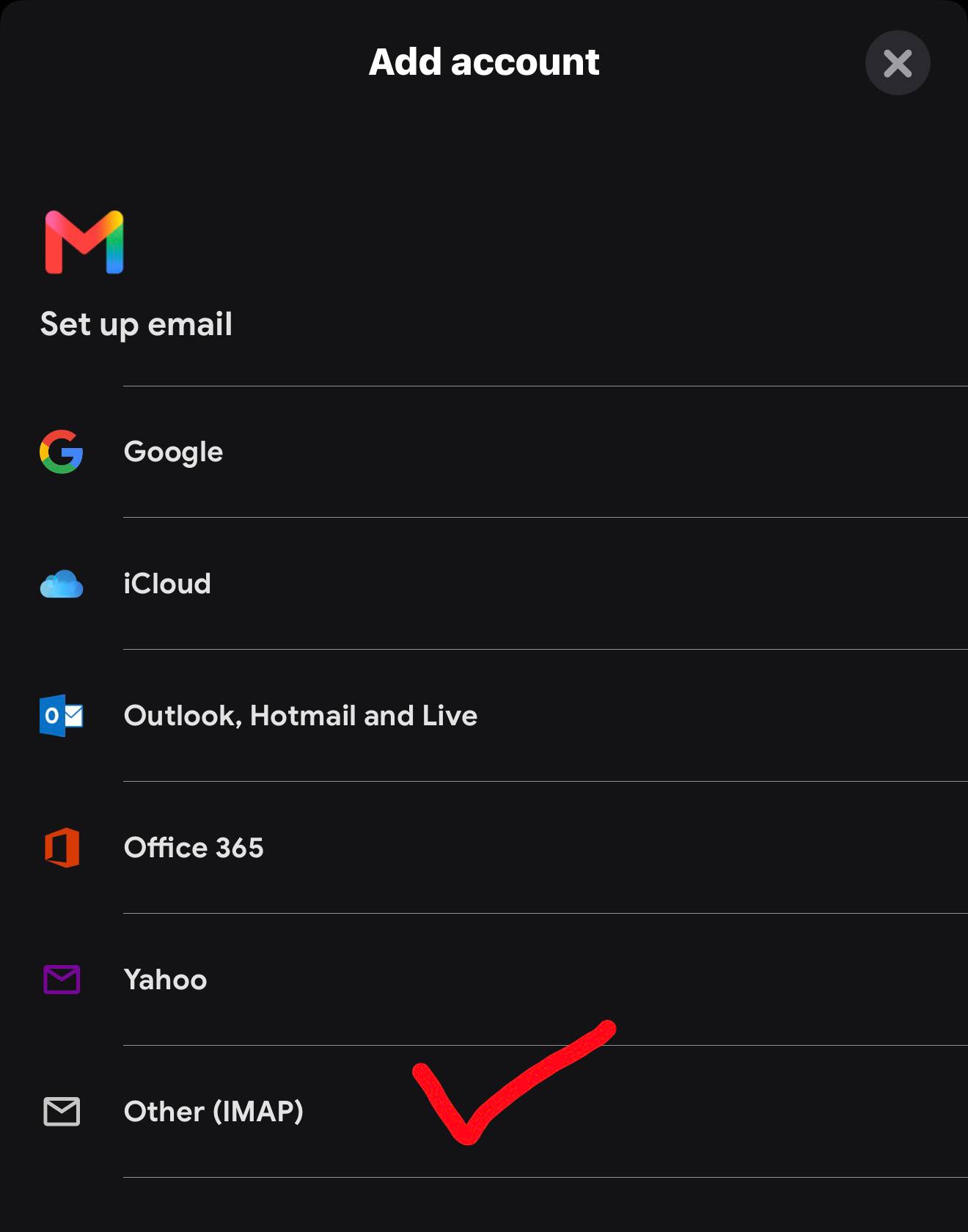
Your business email will appear as a separate account inside the Gmail app. You can send and receive directly from it.
Use the same steps on Android, iPhone and iPad.
Open Gmail and tap your profile picture at the top-right.
Type the complete address—such as [email protected]—then tap Next.
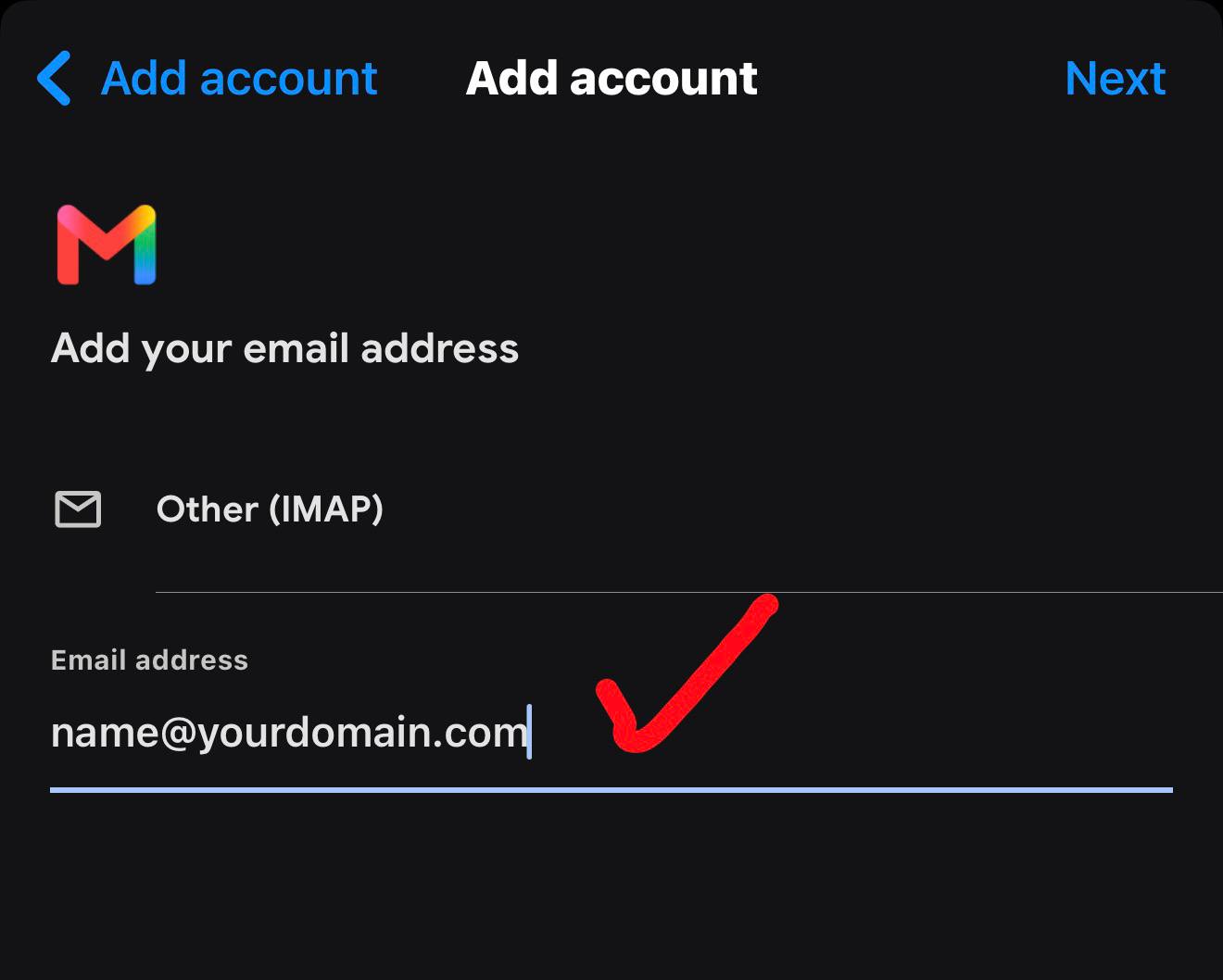
Your email and password are unique. Everything else stays the same.
fusion.mxrouting.net993fusion.mxrouting.net587Tap your profile picture anytime to switch accounts. When writing, make sure your work address is selected in the From field.